Project management software without the confusion
Track every task on one planner board, with photo proof from site and a daily report on your letterhead.
How It Works
How the project management software works
Complete project management tools that help you plan, track, and deliver projects on time.
Overview Management
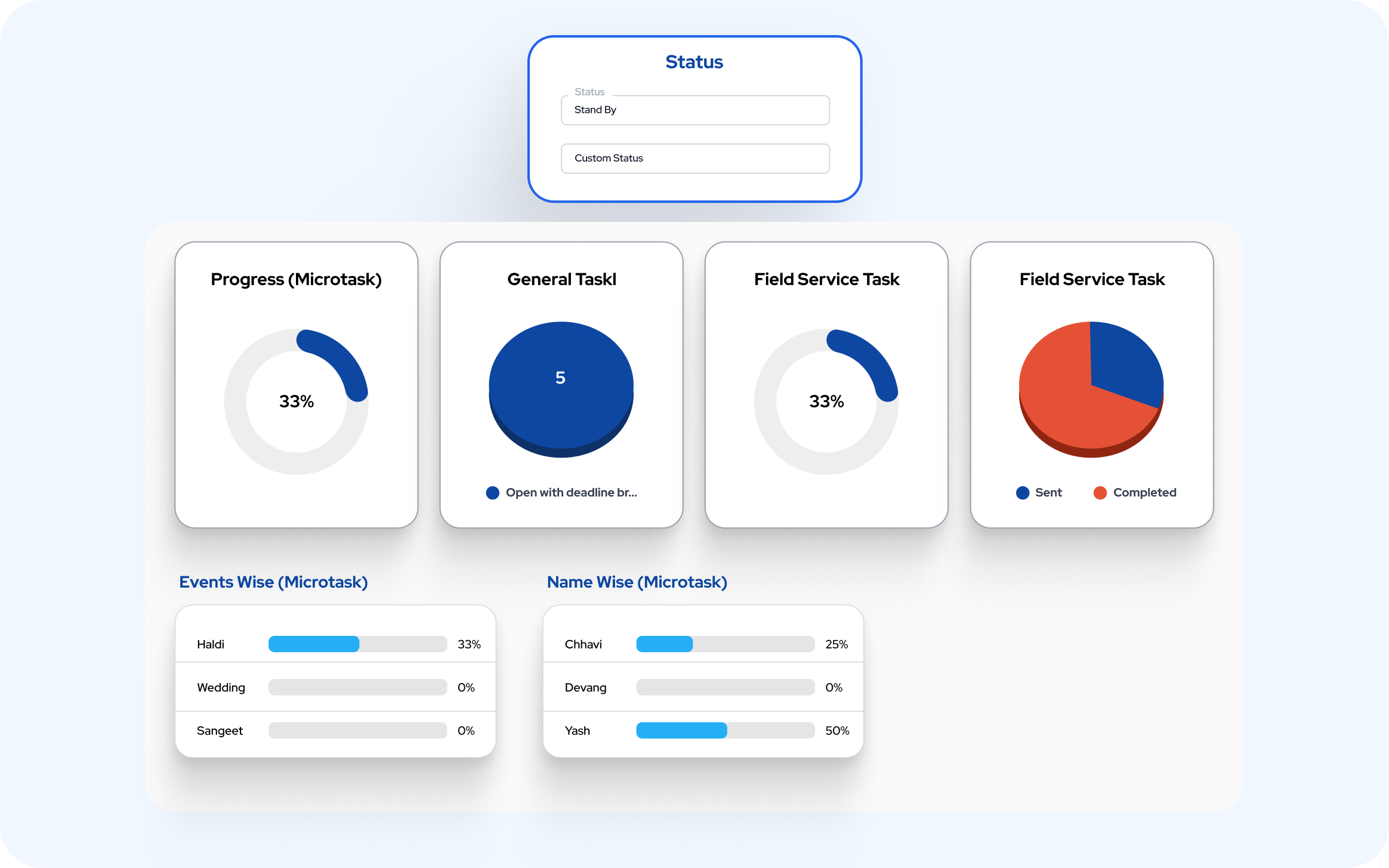
Handle project overview efficiently with simple tools that work the way you do.
Overview Management
Handle project overview efficiently with simple tools that work the way you do.
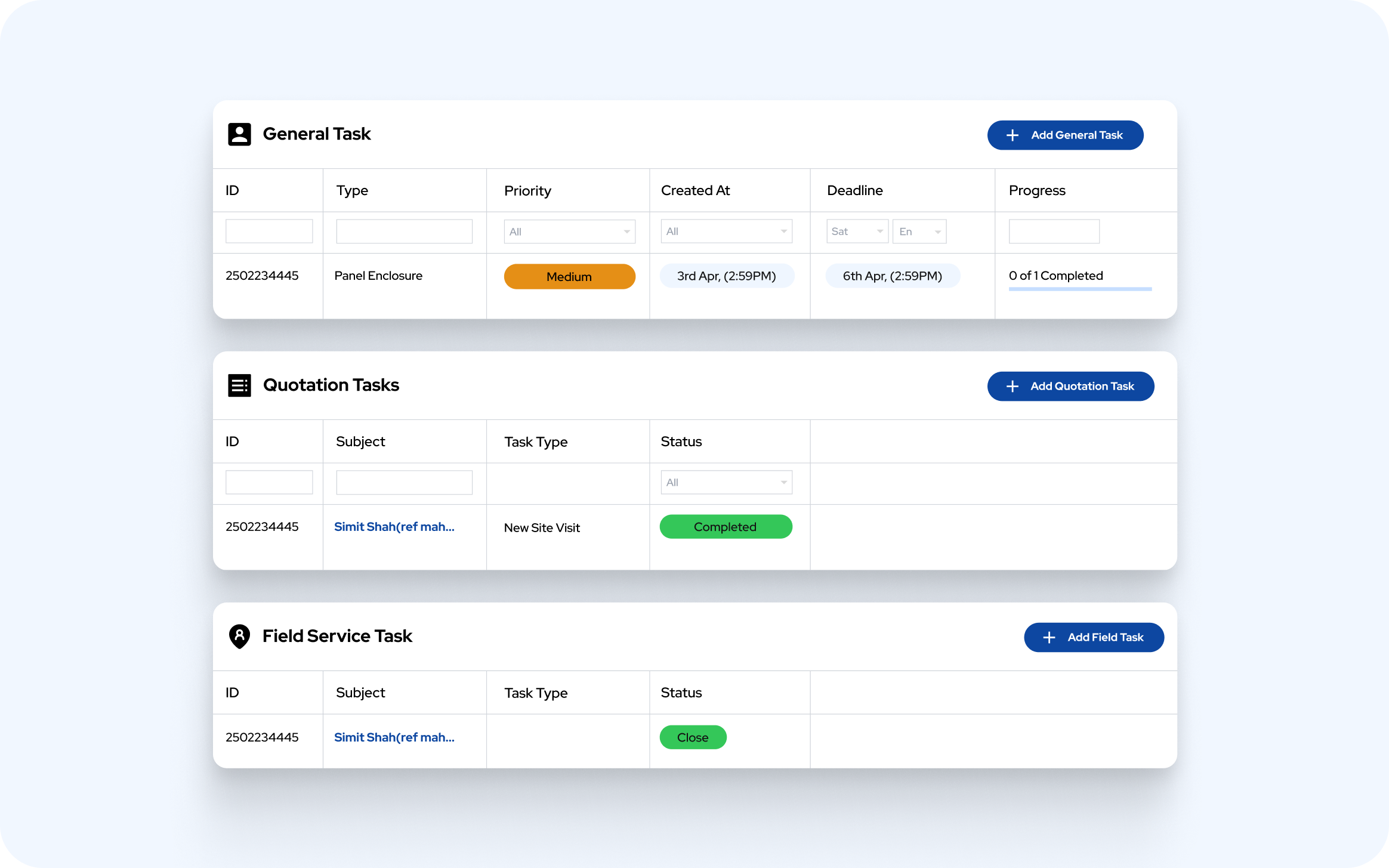
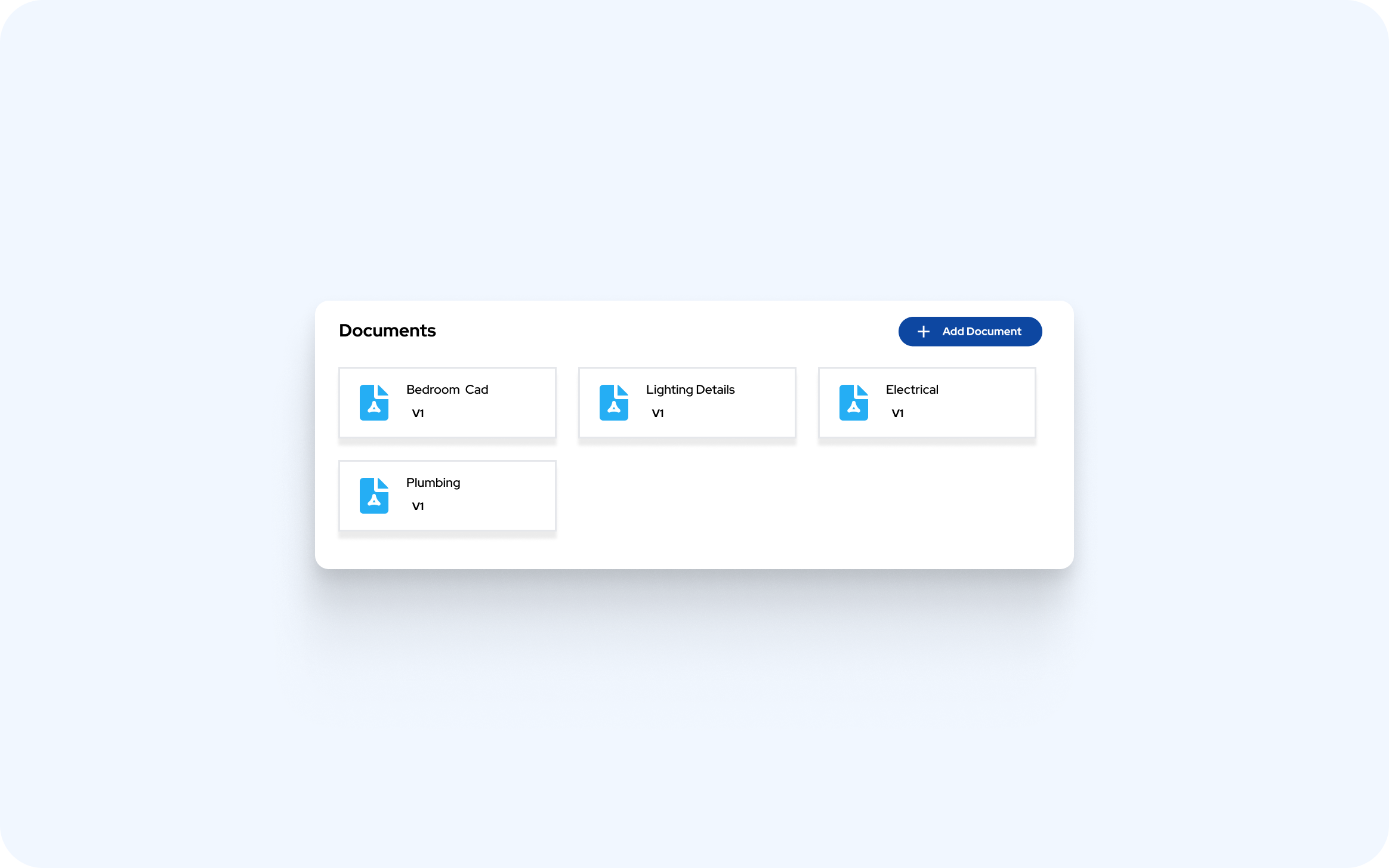
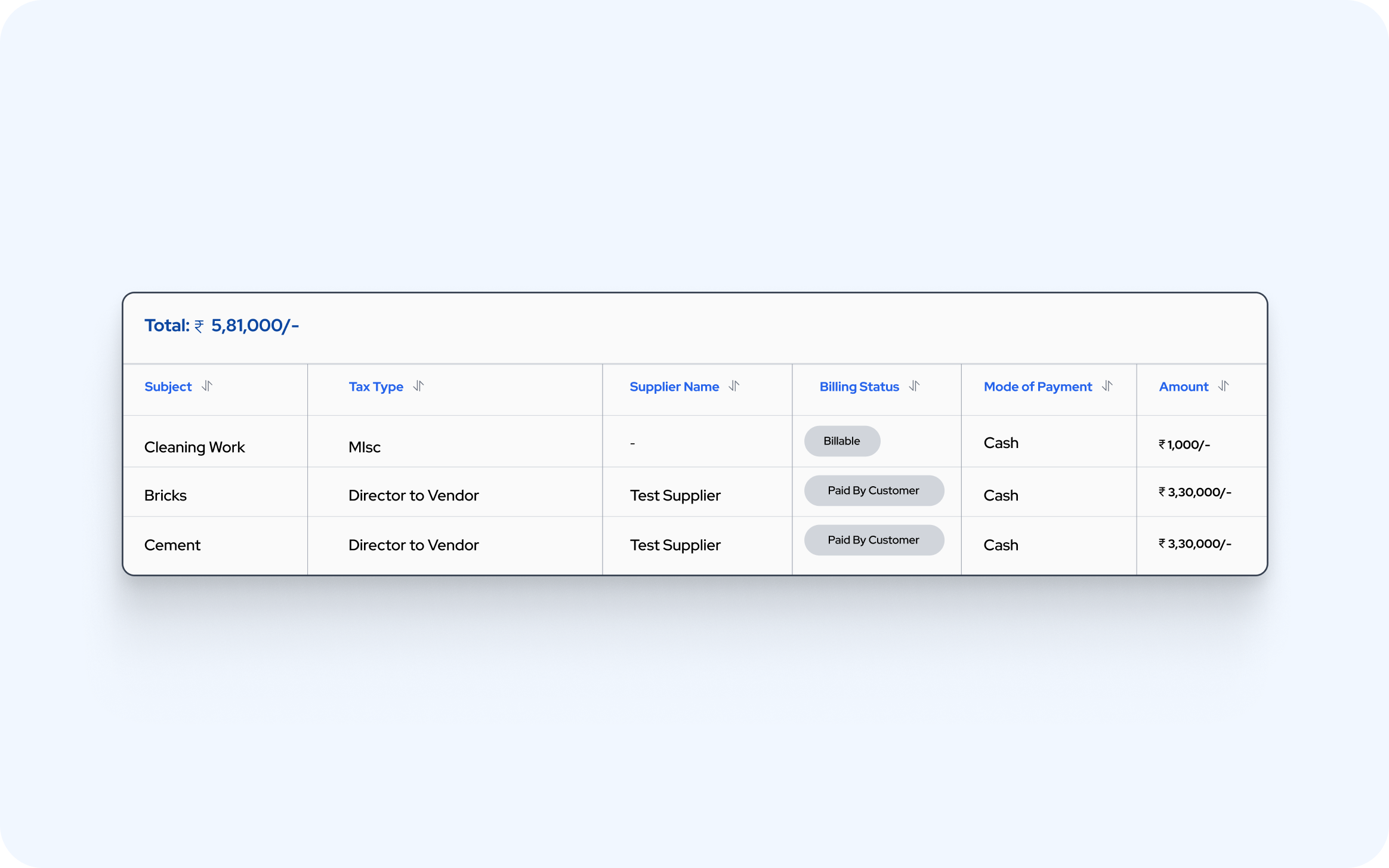
Inside Project Management
The Site Planner
Every project has a running list of what still has to happen on site. The Planner is that list — a board your supervisor can work from a phone, and a report you can hand your client the same evening. It is execution tracking, not scheduling software: nothing to train, nothing to set up first.
Capture
Write the task, set High, Medium or Low priority, give it a due date, and attach the site photos.
Tag
Give it a category, the outside stakeholder it belongs to, and the project's own tags — 2nd Floor, Kitchen.
Work the board
Drag cards between lanes as responsibility moves, and tick work off from the phone while standing on site.
Report
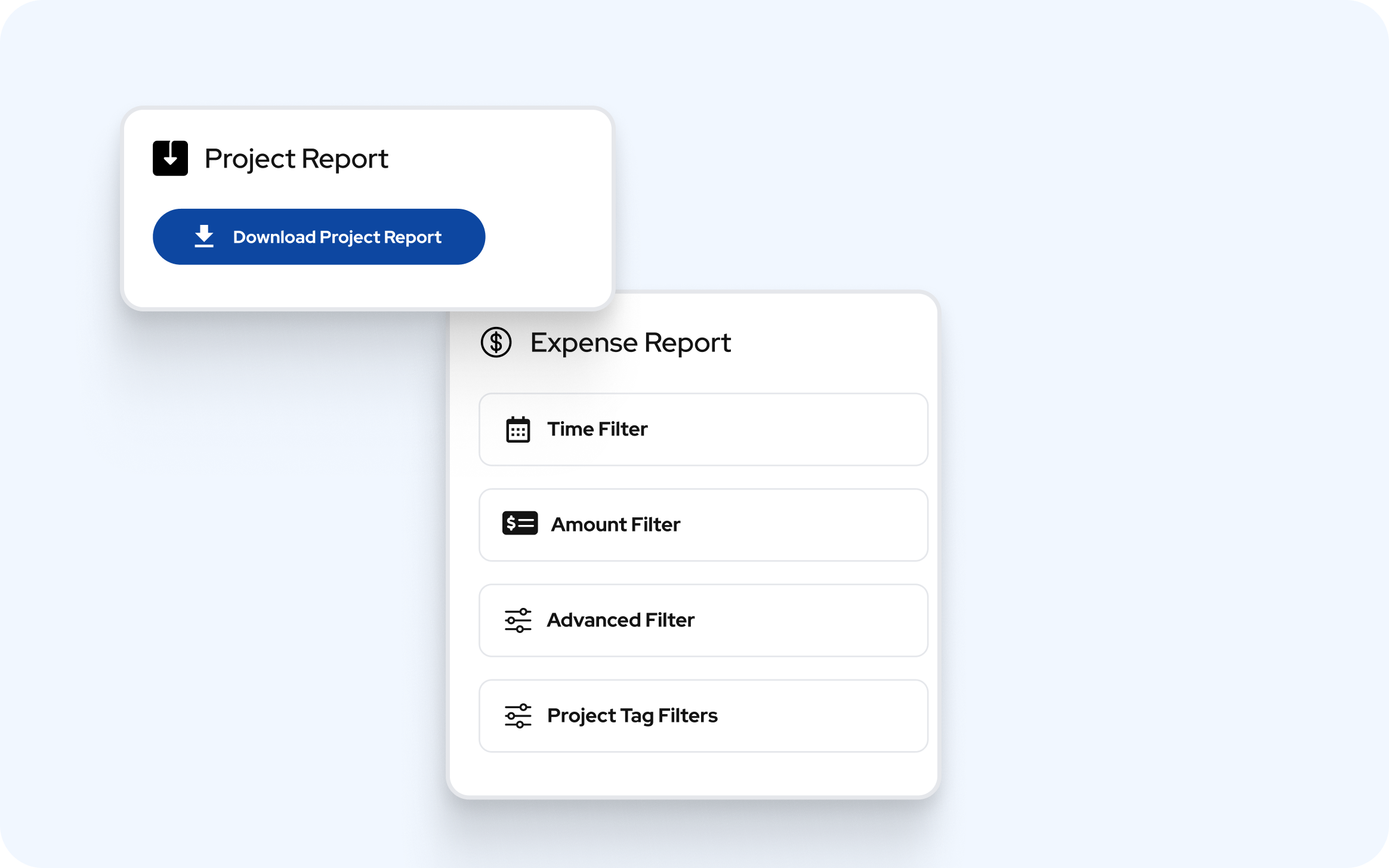
One click for a PDF on your own letterhead, or a CSV for Excel. Send it before you leave the site.
Reports
Reports your client will actually read
Two PDFs come out of the Planner, both on your own letterhead, both with photos. One says what got finished today. The other says what is still open, sliced whichever way the conversation needs.
Daily Task Completion Report
Lists every task marked complete on the selected day.
| # | Completed At | Task | Photo | Category | Stakeholder | Tags | Completed By |
|---|---|---|---|---|---|---|---|
| 1 | 09:40 AM | Bedroom false ceiling grid levelled | Ceiling | Interior Contractor | 2nd Floor, Bedroom | Suresh M. | |
| 2 | 01:15 PM | Kitchen plumbing pressure test cleared | Plumbing | MEP Vendor | 1st Floor, Kitchen | Ramesh P. | |
| 3 | 04:55 PM | Lobby wall putty second coat | Painting | Painting Contractor | Ground Floor, Lobby | Suresh M. |
- Pick a date, get the PDF. Days are counted in IST, so an 11:40 PM tick still lands on the right day.
- The Photo column carries the picture attached to the task, so it reads as proof rather than a claim.
- A quiet day is still a valid report — it prints No tasks were completed on 24-07-2026.
- The result is an end-of-day handover sheet: what got done, at what time, by whom, in which area, for which stakeholder. Send it to the client every evening.
Site Pending Task Report
Exports exactly what is on your screen — your filters, your order.
| # | Due Date | Task | Photo | Priority | Category | Tags | Done |
|---|---|---|---|---|---|---|---|
| 1 | 26-07-2026 | Wardrobe shutter alignment pending | High | Carpentry | 2nd Floor, Bedroom | ||
| 2 | 29-07-2026 | Skirting gap to be filled | Medium | Flooring | 2nd Floor, Passage | ||
| 3 | 22-07-2026 | Ceiling grid levelled Completed by Suresh M. on 24-07-2026 | Low | Ceiling | 2nd Floor, Bedroom | ✓ |
- Priority prints as a colour-filled cell — red, orange, green — so the urgent rows find the reader instead of the other way round.
- Anything already finished carries a green line under the task: Completed by Suresh M. on 24-07-2026, and a tick in the Done column.
- Filter to one floor, one contractor or one week on screen, and that is precisely what the PDF contains — same rows, same order.
- Then choose how it should be sliced, using any of the five groupings below.
One Report, Five Ways to Slice It
A PDF per stakeholder. A PDF per category.
The same pending-task report regroups itself around whoever you are talking to. Group by stakeholder and every contractor gets their own section; group by category and every discipline does.
One flat table, in exactly the order you were looking at.
A section per work area or discipline — civil, plumbing, electrical.
Sections headed High Priority, Medium Priority, Low Priority.
A section per architect, contractor or vendor — hand each party their own list.
A task tagged 1st Floor and Kitchen appears once, under 1st Floor - Kitchen.
Where the Planner Fits
Built for site-driven Indian MSMEs
If your work happens at a customer's site, runs against a work order or tender, and depends on contractors you do not employ, the Planner was written for you.
Government & PWD tenders
One project per work order, tasks grouped by the department stakeholder who has to sign them off, and a dated completion sheet on your letterhead behind every running bill and every claim.
Contractor-led sites
Group the pending report by stakeholder and every sub-contractor walks away with their own list, with photos attached. Scope arguments end because the list is dated, numbered and shared.
Small teams, no PMO
No scheduling training, no master data to configure before day one. Categories and stakeholders build themselves as you type. If your supervisor can work a checklist, they can work this.
Project management software FAQs
- What does the project management software do?
- It keeps every project's site tasks on one planner board, with photo proof on each task and PDF reports of what is done and what is still pending.
- Can I group tasks by architect, contractor or vendor?
- Yes. Tag each task with a category, its stakeholder and project tags like 2nd Floor or Kitchen, then view or report by any of them.
- Can supervisors update tasks from site?
- Yes. Supervisors work the board from the Stagewise ERP app on Android or iOS, ticking off tasks and attaching site photos.
- What reports can I send the client?
- A daily task completion report and a site pending task report, both PDFs on your letterhead with photos, or a CSV for Excel.
- Is it a Gantt chart or scheduling tool?
- No. The Planner tracks execution, what is done and what is still open on site, so there is nothing to set up or train first.
Ready to Manage Projects Better?
Book a demo and see your projects, site tasks and daily reports in one place.